We do not recommend redirecting your homepage permanently. However you may want your homepage to redirect temporarily during a period of transition to a new website or location, and especially if you are retiring a custom domain. However, note that any other pages without specific redirects will still be accessible via a direct link.
Note: If migrating to Fresco then a redirect will be set up for you on the Fresco host service, and kept for 4 months, so creating Mosaic redirects will be unnecessary. If your migrated Fresco website has similar architecture to your old Mosaic site then this redirect will work for links to specific pages that have maintained the same /path.
Steps to redirect homepage:
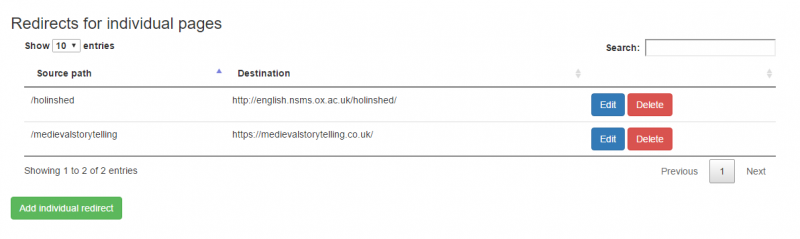
1. Redirect /home to the new location you require
2. Also redirect /homepage/notset to the new location
3. Wait 15-20 minutes, then check on a new browser that the redirect is working when navigating to [your-site].web.ox.ac.uk/
Once you are no longer using your Mosaic website then you must request deactivation. If you need to redirect a custom domain permanently, without repointing it fully at the new site, then talk to your local IT team about options for hosting a redirect on a server they have access to.